Why ONT Power Level Matters
An ONT receiver has a sensitivity floor and a saturation ceiling. Below the floor, the receiver cannot decode the signal. Above the ceiling, the receiver clips and produces errors. The window between those two values is the operating range. The installer's job is to land inside that window with margin to spare.
Power level is also the single most useful diagnostic number on a PON. A reading at -18 dBm with low FEC errors is a healthy link. A reading at -27 dBm with rising FEC count is a link about to fail. The number lets you predict problems before the customer calls.
The Spec Numbers
Every PON class has published downstream and upstream power specifications. These are the receiver minimums and the transmitter ranges defined by ITU-T.
GPON (G.984.2)
| Parameter | Class B+ | Class C+ |
|---|---|---|
| ONT Rx (downstream 1490nm) | -8 to -28 dBm | -8 to -32 dBm |
| ONT Tx (upstream 1310nm) | +0.5 to +5 dBm | +0.5 to +5 dBm |
| OLT Tx (downstream) | +1.5 to +5 dBm | +3 to +7 dBm |
| OLT Rx (upstream) | -8 to -28 dBm | -8 to -32 dBm |
XGS-PON (G.9807.1)
| Parameter | Class N1 | Class N2 | Class E1 |
|---|---|---|---|
| ONT Rx (downstream 1577nm) | -8 to -28 dBm | -8 to -30 dBm | -8 to -32 dBm |
| ONT Tx (upstream 1270nm) | +4 to +9 dBm | +4 to +9 dBm | +4 to +9 dBm |
| OLT Tx (downstream) | +2 to +5 dBm | +4 to +7 dBm | +6 to +9 dBm |
| OLT Rx (upstream) | -9 to -28 dBm | -9 to -30 dBm | -9 to -32 dBm |
25G-PON (G.9804.3)
| Parameter | Class E1 | Class E2 |
|---|---|---|
| ONT Rx (downstream 1342nm) | -8 to -28 dBm | -8 to -30 dBm |
| ONT Tx (upstream 1300nm) | +4 to +9 dBm | +4 to +9 dBm |
For full power budget mechanics see our FTTH power budget calculation guide.
Free: ONT Power Level Field Card
A one-page printable card for the truck: Rx/Tx spec windows for GPON, XGS-PON, and 25G-PON by class; the green/yellow/red "healthy" reading ranges; the downstream wavelength for each PON; and a step-by-step out-of-range troubleshooting flow. Sized to laminate and keep in your test kit. Drop your email and we'll send it over.
No spam. We'll send the resource and the occasional FTTH testing tip. Unsubscribe anytime.
Field Measurement Method
There are two ways to measure ONT receive power: external power meter and ONT-reported via the management interface. Use both during commissioning.
External PON Power Meter (Authoritative)
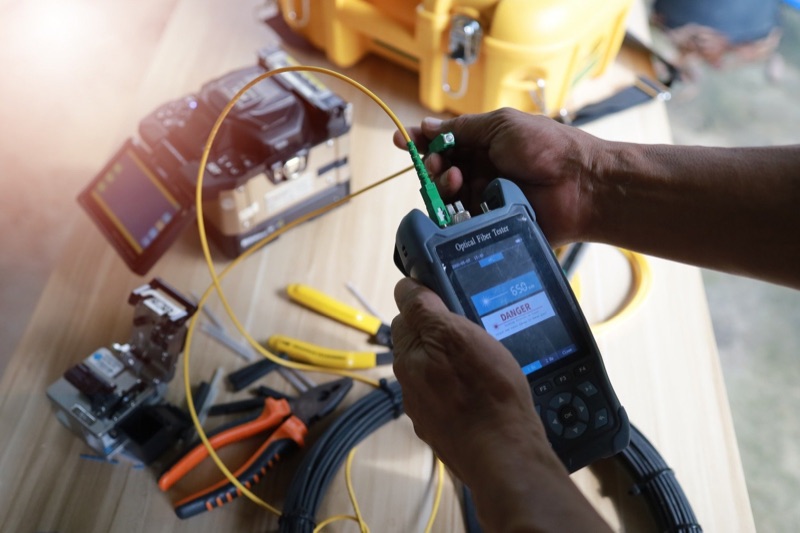
- Disconnect the SC/APC fiber jumper from the ONT.
- Inspect both end-faces with a fiber microscope. Clean if needed.
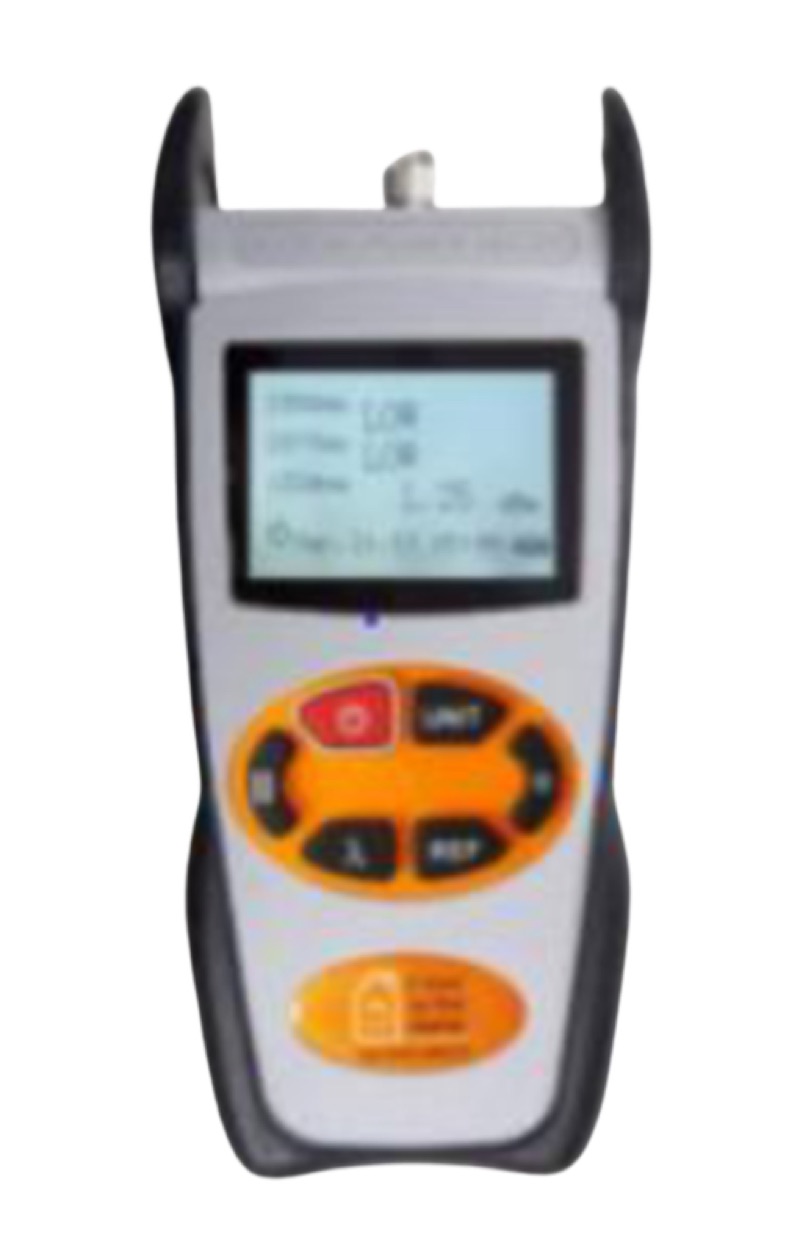
- Connect the fiber to a wavelength-selective PON power meter.
- Wait 5 seconds for reading to stabilize.
- Record the value at the system's downstream wavelength (1490nm GPON, 1577nm XGS-PON, 1342nm 25G-PON).
- Reconnect the fiber to the ONT and verify the link comes up.
ONT-Reported (Verification)
Most ONTs expose Rx power through a web GUI, CLI, or TR-069 management interface. The OLT also reports per-ONT Rx power for upstream signals. Cross-check the ONT-reported value against your external meter; they should agree within 2 dB.
What to Do When Power Is Out of Range
Receive Power Too Low (Below -28 dBm)
- Inspect every connector with a microscope. Clean any contamination.
- Walk the drop fiber for sharp bends or visible damage.
- Re-measure after each correction.
- If still out of range, OTDR the link to find unexpected loss events.
- Verify the splitter port is correct and the splitter has not failed.
Receive Power Too High (Above -8 dBm)
This happens on very short drops with low-loss splitters. The receiver is being saturated. Add a fixed attenuator inline:
- SC/APC 5 dB Fixed Attenuator -- adds 5 dB
- SC/APC 10 dB Fixed Attenuator -- adds 10 dB
Re-measure after adding. The target is to land in the middle of the operating range, not at the edge.
Transmit Power Out of Range
ONT transmit power that is out of spec usually indicates a defective ONT. Replace the unit and re-test. Use a PON meter that reads upstream wavelengths to verify the new ONT is transmitting in spec.
What "Healthy" Looks Like
An installation that will run trouble-free for years lands in the green zone of each spec, not the yellow.
| Reading Range | Status | Action |
|---|---|---|
| -15 to -22 dBm | Green / ideal | Document and close out |
| -22 to -25 dBm | Yellow / acceptable | Verify margin, document |
| -25 to -28 dBm | Yellow / marginal | Inspect, clean, retry |
| Below -28 dBm | Red / fail | Troubleshoot before sign-off |
| Above -8 dBm | Red / saturated | Add attenuator |
Documentation Requirements
Service providers typically require a power level reading at handoff. The record should include:
- Date and time of measurement
- Customer or service order ID
- ONT make, model, and serial number
- Downstream Rx power reading
- Upstream Tx power reading (where available)
- Wavelength tested
- Tool used (model and serial)
Most modern PON meters can save readings and export to CSV or PDF for inclusion in commissioning packets. See our FTTH as-built documentation guide for full record-keeping requirements.
Tools for ONT Power Verification
PON Power Meter Pro
GPON-only meter. Reads 1310, 1490, 1550nm. Cheapest option for GPON-only crews.
XGS/GPON Power Meter
$484.99 — Adds 1577nm and 1270nm. Standard for modern multi-PON networks.
25G PON Power Meter
Future-proof. Adds 1342nm 25G-PON downstream. Recommended for new equipment purchases.
WiFi Fiber Microscope
$1,249.99 — Inspect connector before measuring. Catches contamination that skews readings.
Frequently Asked Questions
Does the ONT pigtail count toward the budget?
Yes. Every connector pair and every fiber segment between the OLT and the ONT receiver is part of the link budget. The pigtail and patch jumper inside the customer's premises add roughly 0.5-1 dB depending on length and connector count.
What if the ONT firmware does not report Rx power?
Use an external PON meter. ONT-reported power is convenient for remote monitoring but not required if the operator has an external measurement at commissioning.
Can I use replacement connectors on the meter?
Yes. PON meter replacement connectors let you swap worn or damaged adapters without replacing the entire instrument.
How often should I re-measure ONT power?
At commissioning, after any cable repair or rerouting, and during scheduled maintenance windows for high-value circuits. Most operators monitor ONT-reported Rx power continuously through their NMS and only dispatch a tech when readings drift.
The Bottom Line
The ONT power level reading is the most important number on an FTTH commissioning report. Match the spec to the PON class, measure with a wavelength-selective meter, document, and the install is done.
For deeper coverage of related topics see our power budget calculation guide, PON power meter comparison, and best fiber optic power meters of 2026.
Ready to verify ONT power in spec on every install?
Tell us the PON you commission — GPON, XGS-PON, or 25G-PON — and a fiber specialist will spec the wavelength-selective power meter, inspection scope, and attenuators your crew needs to pass commissioning the first time. No upsell, just the right gear for your network.
“Spec'd the right multi-PON meter in one call — reading ONT Rx in spec on the first commissioning visit ever since.” — FTTH install crew lead, regional ISP