The Quick Answer
Why a Standard Power Meter Does Not Work on PON
A conventional optical power meter measures total optical power at a single wavelength window. It has one photodetector and gives you one number. That is fine for point-to-point fiber links where only one signal travels in each direction on separate fibers.
PON networks are fundamentally different. A single fiber carries multiple wavelengths simultaneously using wavelength-division multiplexing (WDM). The downstream signal from the OLT travels at one wavelength, the upstream from the ONT at another, and in some deployments, a third wavelength carries RF video. All of these signals coexist on the same fiber strand at the same time.
If you connect a standard power meter to a live PON fiber, it measures the combined power of all wavelengths hitting the photodetector. The result is a single number that tells you nothing about whether your downstream signal is within spec, whether your upstream is too hot, or whether the video overlay is degrading. You cannot troubleshoot what you cannot separate.
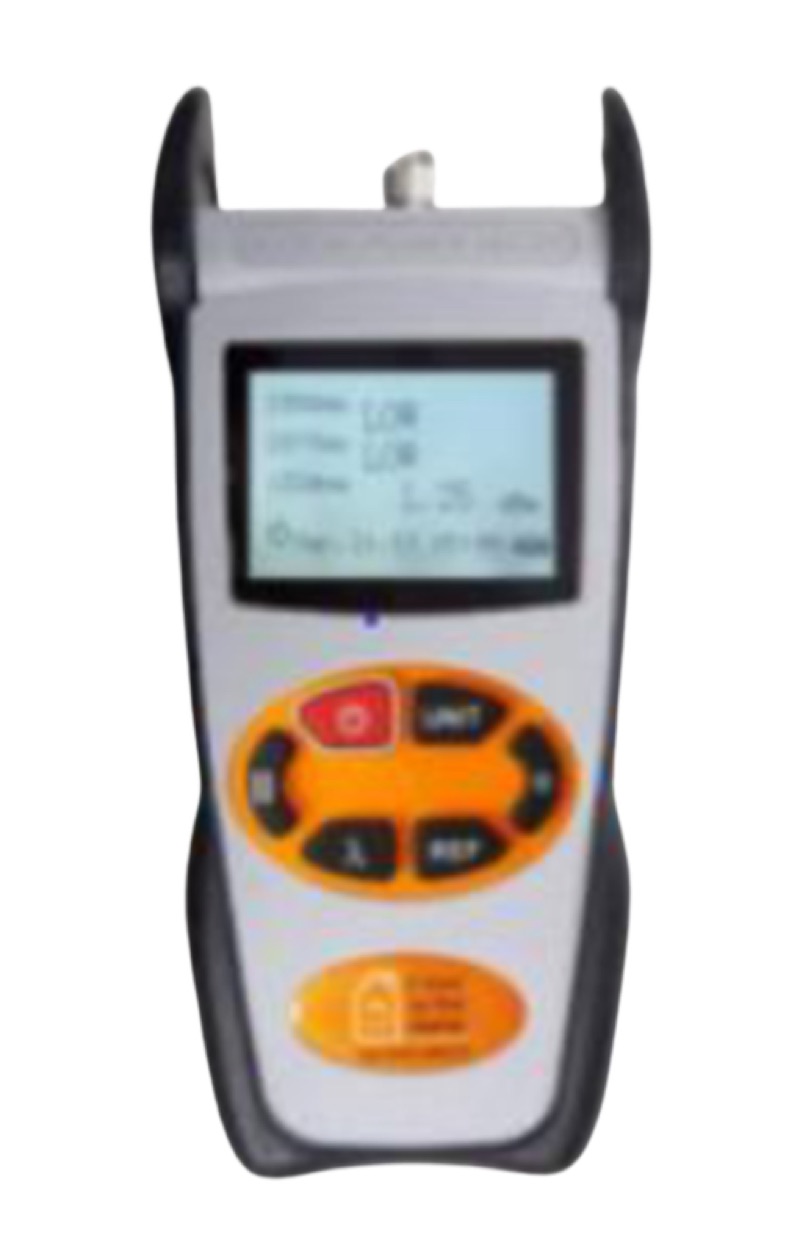
A dedicated PON power meter uses wavelength-selective optical filters to isolate each signal independently. It gives you per-wavelength, per-direction power readings so you can verify that every signal on the fiber is within the specified power budget.
PON Standards and Their Wavelengths
Each PON generation is defined by an ITU-T standard that specifies operating wavelengths, data rates, and power budgets. Here is what you need to know for meter selection.
GPON (ITU-T G.984)
GPON is the workhorse of current FTTH deployments worldwide. It uses 1490nm for downstream data (OLT to ONT) at 2.488 Gbps, and 1310nm for upstream data (ONT to OLT) at 1.244 Gbps. Many deployments also carry RF video overlay at 1550nm. GPON has been deployed since the mid-2000s and remains the most widely installed PON technology.
XGS-PON (ITU-T G.9807.1)
XGS-PON provides 10 Gbps symmetrical service. The downstream wavelength shifts to 1577nm (away from GPON's 1490nm), while upstream operates at 1270nm. This wavelength separation is critical because it allows XGS-PON to coexist on the same ODN (optical distribution network) as GPON during migration. A tech working an XGS-PON activation must verify power at 1577nm downstream and 1270nm upstream -- a GPON-only meter does not measure 1577nm.
25G-PON (ITU-T G.9804.3)
25G-PON is the next speed tier, operating at 24.8832 Gbps downstream on 1342nm and either 12.4416 or 24.8832 Gbps upstream on 1270nm. This standard is designed for high-bandwidth applications including enterprise fiber, 5G mobile backhaul, and high-density MDU deployments where 10G symmetrical is no longer sufficient. The 1342nm downstream wavelength is a new window that requires a meter calibrated for that specific band.
50G-PON and NG-PON2
50G-PON (ITU-T G.9804.2) targets 49.7664 Gbps downstream capacity and is currently in early deployment. NG-PON2 (ITU-T G.989) uses time and wavelength division multiplexing (TWDM) with up to four wavelength channels in the 1596-1603nm range. These are carrier-grade technologies deployed by major service providers planning for long-term capacity growth.
| Standard | Downstream | Upstream | Down Speed | Up Speed |
|---|---|---|---|---|
| GPON | 1490nm | 1310nm | 2.488 Gbps | 1.244 Gbps |
| XGS-PON | 1577nm | 1270nm | 9.953 Gbps | 9.953 Gbps |
| 25G-PON | 1342nm | 1270nm | 24.88 Gbps | 12.44/24.88 Gbps |
| 50G-PON | 1342nm | 1270nm | 49.77 Gbps | 12.44/24.88/49.77 Gbps |
| NG-PON2 | 1596-1603nm | 1524-1544nm | 4x10 Gbps | 4x10 Gbps |
PON Power Meters: Which One Matches Your Network
Each meter in the QBL lineup is built for specific PON generations. The key differentiator is which wavelength filters are installed.
XGS/GPON Power Meter
$484.99 · QBL-PON106S
Covers GPON (1490nm) and XGS-PON (1577nm) with simultaneous upstream/downstream measurement. The right choice for FTTH installers working on current-generation PON networks. Pass/fail thresholds for quick go/no-go field testing.
Best for: FTTH installers, ISP field techs, GPON-to-XGS-PON migration work.
25G PON Power Meter
$1,059.99 · QBL-PON629
Adds 25G-PON (1342nm) wavelength support alongside GPON and XGS-PON. Multi-wavelength simultaneous measurement for next-generation deployments. Future-ready for 25G PON network commissioning and troubleshooting.
Best for: Carriers deploying 25G-PON, enterprise fiber builds, 5G backhaul.
XG-PON Advanced Power Meter
$1,459.99 · QBL-PON639
Enterprise-grade meter supporting XGS-PON, 25G-PON, 50G-PON, and 100G-PON wavelengths. The most comprehensive standard PON meter in the lineup for carriers maintaining multi-generation infrastructure.
Best for: Large ISPs, multi-generation PON networks, carrier deployment teams.
XGS/NG-PON2 Power Meter Pro
$1,639.99 · QBL-DD214PRO
Top-of-line meter with XGS-PON and NG-PON2 support. Highest measurement accuracy and broadest wavelength coverage. Built for carrier-grade network verification where measurement precision is non-negotiable.
Best for: Tier 1 carriers, NG-PON2 deployments, network certification.
How to Choose: Decision Framework
Start with the network you are working on today, then consider where it is headed.
| Your Situation | Recommended Meter | Price |
|---|---|---|
| GPON-only installs, want XGS-PON readiness | XGS/GPON Power Meter | $484.99 |
| Carrier deploying 25G-PON alongside existing PON | 25G PON Power Meter | $1,059.99 |
| Multi-generation PON (XGS + 25G + 50G) | XG-PON Advanced | $1,459.99 |
| NG-PON2 or highest-accuracy requirements | XGS/NG-PON2 Pro | $1,639.99 |
How to Use a PON Power Meter in the Field
PON meter operation is straightforward, but the interpretation differs from standard power measurement.
At the ONT (Customer Premises)
Disconnect the fiber from the ONT and connect it to your PON meter. The meter will display the downstream power level at the PON wavelength (1490nm for GPON, 1577nm for XGS-PON). Compare this reading against the OLT manufacturer's specified receive sensitivity range. Typical GPON ONT receive sensitivity is -8 dBm to -28 dBm. If the downstream power is outside this window, the ONT will not authenticate or will experience bit errors.
At the Splitter Output
Measure at each splitter output port to verify even power distribution. A 1x32 splitter introduces approximately 17-18 dB of insertion loss. If one port reads significantly lower than others, the splitter may be damaged or the upstream fiber has a problem affecting that specific path.
Pass/Fail Testing
All QBL PON meters support configurable pass/fail thresholds. Set the high and low power limits for your network's specifications, and the meter gives you a green pass or red fail indication. This speeds up commissioning by eliminating manual threshold comparison and reduces human error during high-volume activations.
PON Meter Accessories
All QBL PON meters use SC connector interfaces. Over time, the connector tip on the meter can wear or become contaminated beyond cleaning. The PON Meter Replacement Connector Ends ($19.99) are field-replaceable and extend the meter's service life without sending it in for repair. Keep a set in your meter case.
Before measuring, always clean the meter's connector and the fiber under test. A contaminated connector will give you a lower power reading that looks like a network problem. Use a CLEP 2.5mm Mini Fiber Cleaner for the SC interface and inspect with a WiFi Fiber Inspection Microscope to confirm cleanliness before recording measurements.
The Bottom Line
PON power measurement is wavelength-specific. You cannot use a generic optical power meter and expect meaningful results on a live PON network. Match your meter to the PON standards deployed on your network, and if you are unsure where the network is headed, buy one tier up from what you need today. The cost difference is small compared to the cost of buying a second meter when the network upgrades.
- GPON + XGS-PON: XGS/GPON Power Meter ($484.99)
- Adding 25G-PON: 25G PON Power Meter ($1,059.99)
- Multi-generation carrier: XG-PON Advanced ($1,459.99)
- NG-PON2 / highest accuracy: XGS/NG-PON2 Pro ($1,639.99)