The Short Version
What Acceptance Testing Is
Acceptance testing is the contractor demonstrating to the customer that the installed work meets the agreed-upon specifications. The criteria are whatever the project documents say they are — they could be loose ("pass an OTDR test at 1310 and 1550") or tight ("each splice less than 0.05 dB bidirectional, full link loss less than 7 dB at 1550, total length within 5% of design").
Acceptance testing typically delivers:
- OTDR traces (.sor files) for every fiber in the link, often at multiple wavelengths.
- A summary spreadsheet with link loss, splice count, splice loss summary, and pass/fail per fiber.
- Photos of significant findings (broken connectors, repaired splices) where applicable.
- Sign-off paperwork from the customer accepting the work.
The customer defines the format. Some carriers have proprietary report templates that must be followed exactly. Some commercial customers accept whatever the contractor delivers as long as the data is there.
What Certification Is
Certification is a structured test protocol defined by industry standards (primarily TIA-568.3-D in North America, ISO/IEC 11801 internationally). The standard specifies what to measure, how to measure it, and how to compare results to predefined link loss budgets based on link length and connector count.
Tier 1 Certification (Basic)
Light source and power meter (OLTS) measurement of end-to-end insertion loss at one or two wavelengths. Done bidirectionally on every fiber. Produces a pass/fail against the calculated link loss budget. This is the minimum certification level for warranty registration with most cabling manufacturers.
Tier 2 Certification (Extended)
Tier 1 plus full bidirectional OTDR characterization at every required wavelength. Documents every splice and connector individually with location and loss. Provides the data needed for future troubleshooting and a permanent fingerprint of the as-installed link.
Certification reports are formatted per standards and are not customer-negotiable in the same way acceptance tests are. The standard defines what passes and what fails; the contractor is delivering proof of compliance, not a customer-specific report.
Side-by-Side Comparison
| Aspect | Acceptance Test | Tier 1 Cert | Tier 2 Cert |
|---|---|---|---|
| Defined by | Customer / project spec | TIA-568 / ISO 11801 | TIA-568 / ISO 11801 |
| Test instruments | OTDR (sometimes OLTS) | OLTS (light source + power meter) | OLTS + OTDR |
| Bidirectional | If spec requires | Yes, on OLTS | Yes, on both |
| Wavelengths | Spec dependent | Per fiber type (SM: 1310/1550, MM: 850/1300) | Per fiber type |
| Pass/fail criterion | Project spec values | Calculated link loss budget | Calculated link loss budget |
| Report format | Customer specified | Standards compliant | Standards compliant + traces |
| Manufacturer warranty | Not sufficient alone | Minimum requirement | Required by some manufacturers |
| Time per link | 5-15 min | 5-10 min | 15-30 min |
When Each Is Required
Acceptance Test Only
Common for OSP and FTTH work where the customer (carrier or service provider) defines acceptance criteria that may or may not align with TIA standards. The customer wants the link to work, wants documentation that splices and connectors are within spec, but does not need a manufacturer-warranty Tier 2 report.
Tier 1 Certification Only
Sufficient for many enterprise structured cabling projects where the design loss budget is generous (short links, few connectors), the customer wants TIA-568 compliance, and no OTDR-grade troubleshooting documentation is required. Many manufacturers' shorter warranty programs accept Tier 1.
Tier 2 Certification
Required for premium structured cabling installations, especially where: long-term warranty (15-25 years) is being registered with the cabling manufacturer; the customer wants permanent splice-by-splice documentation; the design margins are tight and individual event documentation matters. Most data center deployments are Tier 2.
Both Acceptance and Certification
Common when the customer has both contract acceptance criteria AND cabling system warranty registration needs. The installer delivers both: the customer's acceptance report (often built from the certification data) and the formal Tier 2 certification report for warranty registration.
The Tier 2 Test Protocol Step by Step
1. Inspect and Clean Every Connector
Use a WiFi fiber microscope with appropriate inspection tips (LC/APC male tip or LC/APC female tip for LC bulkheads). Clean with a 1.25mm cleaner for LC and 2.5mm cleaner for SC/ST. Re-inspect after cleaning.
2. Reference the OLTS
Use the one-jumper or three-jumper reference method per the project spec. Three-jumper is most common because it produces conservative loss readings that include both endface mating losses.
3. Run OLTS Bidirectionally
Test from end A to end B at each wavelength. Move to end B and test back to end A. Average the two readings. This is the certified link loss.
4. Run OTDR Bidirectionally
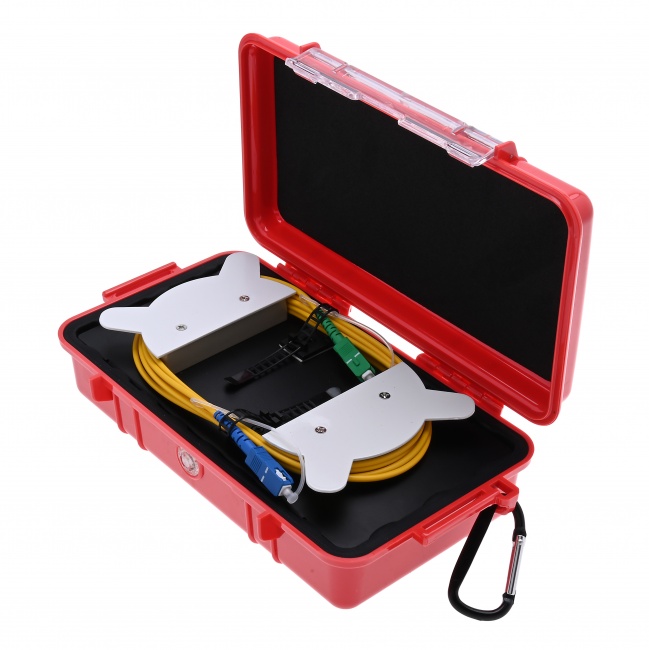
Connect launch and receive fibers at both ends. Test from end A at each wavelength, save traces. Move to end B, test at each wavelength, save traces. Run bidirectional analysis to compute true splice losses. See our bidirectional testing guide for the procedure.
5. Generate the Report
Import all OLTS readings and OTDR traces into reporting software. Configure the project parameters (wavelengths, fiber type, connector counts, calculated link loss budget). Run the report generator. Review for any failed events.
6. Re-test Failures
Any failed splice or connector must be reworked and re-tested. Document the rework and the second test result.
What Goes Into a Tier 2 Report
- Project header: customer, site, project number, technician, date, equipment used and calibration dates.
- Link summary: link ID, length, fiber type, connector count, calculated loss budget, measured loss, pass/fail.
- OLTS results: end-to-end loss at each wavelength, bidirectional average, vs budget.
- OTDR traces: embedded or referenced .sor files at each wavelength in each direction.
- Event table: every splice and connector with location, loss (bidirectional average), reflectance, pass/fail per event.
- Photos of failures and reworks where applicable.
- Tech signatures certifying the data.
Equipment for Acceptance Testing and Certification
Fiber Ranger OTDR
Field-grade dual-mode OTDR with .sor file output compatible with major reporting software.
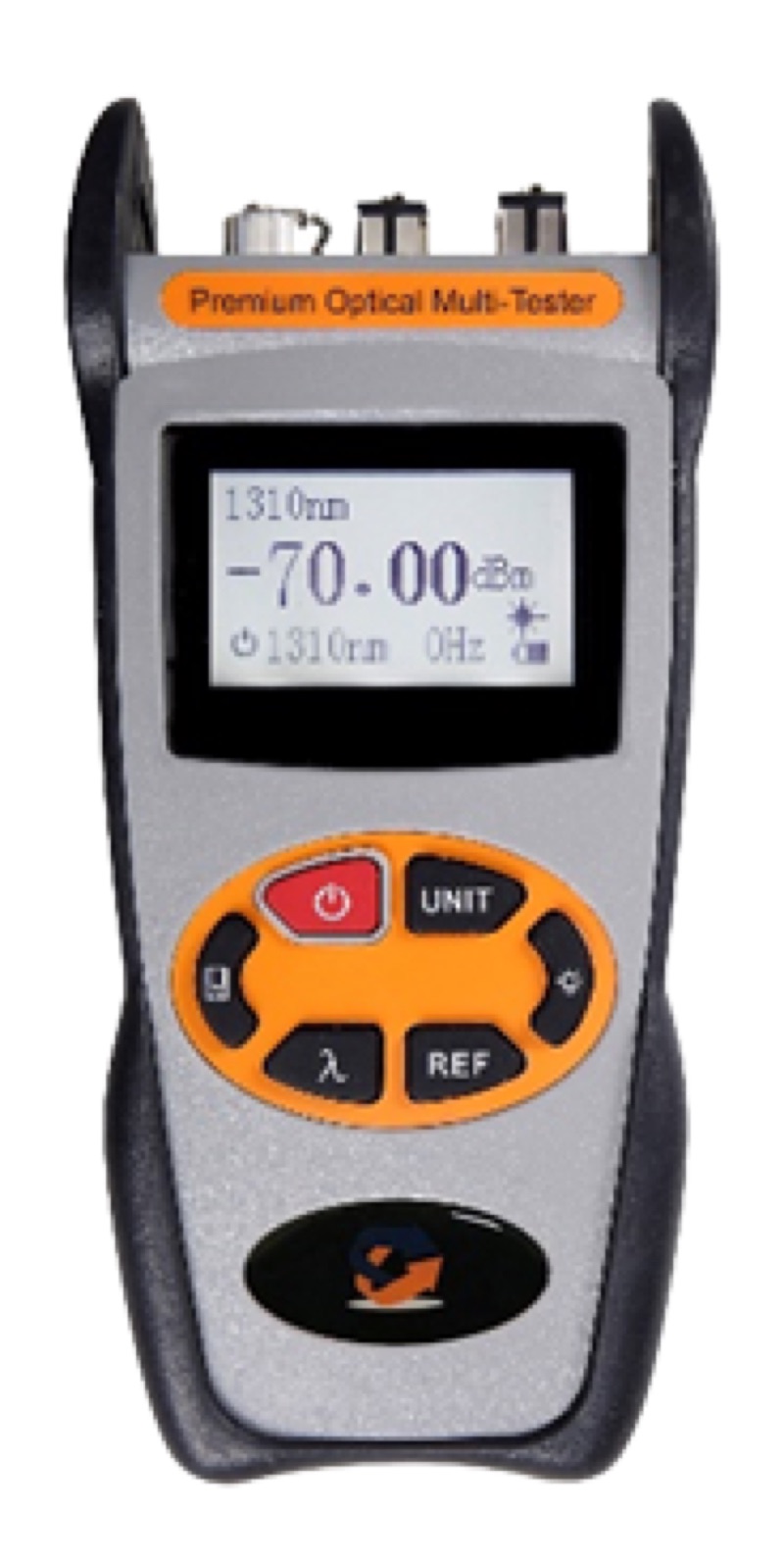
Optical Power Meter LC
Optical power meter for OLTS Tier 1 certification at all standard SM and MM wavelengths.
WiFi Fiber Microscope
Mandatory IEC 61300-3-35 inspection at every connector before testing. Saves images for the report.
LC/APC Male Inspection Tip
For LC/APC bulkhead and adapter inspection.
LC Connector Cleaner
Click-to-clean LC connectors before mating. Standard for FTTH and data center.
SM LC/UPC Patch Cord
For OLTS reference jumpers and OTDR launch fibers in SM testing.
Common Pitfalls
- Skipping inspection. A dirty connector at the OLTS reference point biases all subsequent measurements. Inspect and clean every connector, including reference jumpers.
- Wrong reference method. One-jumper, two-jumper, and three-jumper references give different loss numbers. Match the method to the project spec.
- Missing wavelengths. Testing only 1310nm on SM misses macrobend events that show up at 1550. Always test all required wavelengths.
- Unidirectional OTDR only. Tier 2 requires bidirectional. Unidirectional traces with gainers will fail standards compliance review.
- Wrong link loss budget calculation. The budget depends on length, fiber type, and connector count. Use the right formula for the standard you are certifying to.
- Bad file management. A Tier 2 report references many .sor files. Use clear, consistent filenames or your report will be unreadable.
- Calibration expiry. Test equipment must have current calibration. An expired-cal OLTS or OTDR invalidates the entire test report.
Frequently Asked Questions
What is OTDR acceptance testing?
Project-specific OTDR testing per the customer's contract criteria. Format and pass/fail thresholds are defined by the project, not by industry standards.
What is Tier 2 certification?
Standardized fiber test protocol per TIA-568.3 combining OLTS power meter loss measurement with bidirectional OTDR characterization at all required wavelengths. Required for most cabling manufacturer warranties.
When is Tier 2 required?
Project spec calls for it; warranty registration with cabling manufacturers; customer requires standards-compliant documentation. Most enterprise structured cabling and data center work is Tier 2.
Can I deliver Tier 2 from any OTDR?
Most modern OTDRs produce compliant .sor traces. The report generation requires bidirectional analysis software and OLTS data. The OTDR captures; the software combines.
What is Tier 1 vs Tier 2?
Tier 1 is OLTS only — end-to-end loss at each wavelength, bidirectional. Tier 2 adds OTDR characterization documenting every splice and connector individually.
Related Reading
Test Equipment for Certification
OTDRs, power meters, fiber microscopes, and connector cleaners for Tier 1 and Tier 2 fiber certification.