TL;DR — Reading a Trace in 30 Seconds
- Spike up = reflective event (connector, mechanical splice, or break). Step down, no spike = non-reflective (fusion splice or macrobend).
- The slope is the fiber: ~0.35 dB/km at 1310nm, ~0.22 dB/km at 1550nm. Steeper than that means stress, damage, or wrong fiber type.
- Bend vs. bad splice? Compare 1310nm and 1550nm — a macrobend gets much worse at 1550nm; a splice loses about the same at both.
- Gainers and ghosts are artifacts, not real events. Bidirectional testing cancels gainers; ghosts appear at exactly 2× a real event's distance.
- Always count events against the records first — a mismatch is your earliest clue, before you even look at loss numbers.
The Anatomy of an OTDR Trace
The OTDR display plots two axes: distance on the horizontal (in meters or kilometers) and signal level on the vertical (in dB). The trace begins at the OTDR's launch position, slopes downward as the pulse propagates and attenuates, and ends at the far end of the fiber. Discrete events appear as deviations from the smooth slope -- spikes for reflective events, step-downs for non-reflective events.
The first thing to do with any trace is to walk it from left to right and identify every event, then compare against the network records. The number of events on the trace should match the number of connectors and splices you expect from the link design. Mismatch is your first clue something is wrong, even before you look at loss values.
For a primer on how the OTDR generates the trace, see OTDR testing basics.
Reading the Backscatter Slope
The smooth downward slope between events is the fiber itself. The slope angle is the fiber attenuation coefficient. Standard values for single-mode fiber are 0.35 dB/km at 1310nm and 0.22 dB/km at 1550nm. Multimode is much higher -- 3 dB/km at 850nm and 1 dB/km at 1300nm.
What Slope Anomalies Mean
If the slope is steeper than expected, something is attenuating the fiber abnormally. Possible causes:
- Fiber stress or damage: Fiber pinched in a cable tie, bent past its minimum bend radius, crushed in a duct, or cracked from rough handling.
- Wrong fiber type: The fiber is not what was specified. G.652 standard fiber and bend-insensitive G.657 have similar attenuation; G.652 vs. some legacy specialty fibers can differ noticeably.
- Hydrogen contamination: Older buried fiber exposed to long-term hydrogen ingress shows elevated attenuation, particularly at 1383nm and 1550nm.
- Macrobend across a long section: Distinguishable from a localized macrobend because the elevated loss is distributed rather than concentrated at one point.
Wavelength Comparison
Always compare slopes between 1310nm and 1550nm traces. Macrobends and certain damage modes show elevated loss at 1550nm but normal loss at 1310nm because longer wavelengths are more sensitive to bending. If your 1550nm trace shows a 0.4 dB/km slope and your 1310nm trace shows a normal 0.35 dB/km, the fiber has bend-related stress somewhere along its length.
Identifying Each Type of Event
Reflective Events: Connectors
A connector appears as an upward spike (reflection) followed by a step down (loss). UPC connectors show reflectance around -45 to -55 dB. APC connectors show -60 dB or better -- the angled endface reflects light away from the fiber core rather than back to the OTDR. See SC/APC vs UPC connectors for the physics.
Typical connector loss for a clean, properly mated pair: 0.2 to 0.5 dB. Loss above 0.75 dB usually means dirty, damaged, or misaligned. Inspect with a fiber scope, clean if needed, re-mate, and retest.
Non-Reflective Events: Fusion Splices
A fusion splice appears as a clean step down with no reflection spike. Good fusion splices show 0.02 to 0.05 dB of loss. Splices above 0.1 dB are commonly considered failures and re-spliced. The absence of a reflection spike is the key marker -- if any reflection is visible, the splice has a gap, crack, or misalignment.
Reflective Events with Loss: Mechanical Splices
Mechanical splices use index-matching gel and physical alignment instead of fusion. They show a small reflection spike and 0.1 to 0.5 dB of loss. The reflection is smaller than a connector but visible. Mechanical splices are appropriate for emergency repairs but not preferred for permanent installations because of their higher loss and reflectance.
Non-Reflective Loss: Macrobends
A macrobend shows up as a step down without any splice or connector at that point in the network records. The defining characteristic is wavelength dependence -- a macrobend visible at 1550nm may be invisible at 1310nm because the bend loss scales with wavelength. Check both wavelengths to identify bends. Common bend locations: cable routing transitions, slack storage coils inside enclosures, and points where the fiber enters a cabinet or splice tray.
Catastrophic Events: Breaks
A break appears as a large reflection spike followed by an immediate drop to the noise floor. The fiber is severed at this point. The OTDR distance reading gives you the exact location for crew dispatch. In the field, follow up with a visual fault locator to verify the break point at close range.
Event Reference Table
A quick-reference for what each event type looks like on the trace and what loss/reflectance values to expect.
| Event Type | Trace Appearance | Typical Loss | Typical Reflectance |
|---|---|---|---|
| UPC connector | Spike + step down | 0.2 to 0.5 dB | -45 to -55 dB |
| APC connector | Smaller spike + step down | 0.2 to 0.5 dB | -60 dB or better |
| Fusion splice | Step down, no spike | 0.02 to 0.05 dB | None visible |
| Mechanical splice | Small spike + step down | 0.1 to 0.5 dB | -40 to -55 dB |
| Macrobend | Step down, wavelength-dependent | 0.1 to 5 dB | None |
| Fiber break (clean) | Spike + drop to noise | Total | -14 to -40 dB |
| End of fiber | Final spike + drop to noise | Total | Varies by termination |
| Gainer (artifact) | Step UP at fusion splice | Negative apparent loss | None |
| Ghost (artifact) | Spike beyond end of fiber | None at this distance | Smaller than source |
Free: OTDR Trace Interpretation Cheat Sheet
A one-page PDF with the full event-reference table, the bend-vs-splice wavelength test, expected loss and reflectance values, and the 6-step trace-walking workflow — printable for your test kit. Drop your email and we'll send it over.
No spam. We'll send the resource and the occasional fiber-testing tip. Unsubscribe anytime.
Gainers: Why Splices Sometimes Look Like Gains
A gainer is a fusion splice that shows up as an upward step on the trace -- the backscatter level after the splice is higher than before. The fiber appears to amplify the signal, which is impossible. The cause is the OTDR's measurement method.
OTDRs infer loss by measuring backscatter. The backscatter coefficient depends on the fiber's mode field diameter and refractive index profile. When two fibers with different backscatter coefficients are spliced, the OTDR reads more or less reflected light than the actual loss would indicate. If the second fiber has higher backscatter than the first, the OTDR sees an apparent gain.
The fix is bidirectional testing. Run the trace from end A to end B, then from end B to end A. The gainer at one direction will show up as an exaggerated loss in the other. Average the two measurements to get the true splice loss. This is why bidirectional OTDR testing is required for any acceptance documentation that depends on accurate splice loss values.
Ghost Reflections
A ghost is a false event that appears at twice the distance of a real high-reflectance event. The mechanism is a double bounce: the OTDR pulse reflects off a connector at distance D, travels back to the OTDR, reflects off the OTDR's own port, travels forward again, reflects off the same connector at D, and returns. The OTDR interprets the second arrival as an event at distance 2D.
Ghosts are recognizable because:
- They appear at exactly twice the distance of a real reflective event.
- They have lower reflectance than the real event (each bounce loses energy).
- They often appear after the end of the fiber.
- No physical splice or connector exists at the ghost's apparent location.
Reduce ghosts by improving the connection at the OTDR port (clean and inspect), using APC connectors instead of UPC at the OTDR side (lower reflectance reduces the bounce energy), or shortening the launch fiber so the ghost falls within the OTDR's dead zone.
Distinguishing Macrobends from Bad Splices
Both macrobends and bad fusion splices appear as non-reflective step-down events on the trace. The diagnostic challenge is telling them apart so you know whether to re-splice or fix the cable routing.
Wavelength Test
The fastest discriminator is wavelength dependence. Run the trace at both 1310nm and 1550nm and compare the same event on both traces. A bad splice shows roughly equal loss at both wavelengths -- maybe 0.01-0.03 dB difference. A macrobend shows dramatically more loss at 1550nm than at 1310nm, often 5-10x more.
Location Test
A bad fusion splice is at a known splice closure or splice tray. A macrobend is somewhere along the cable route, often at a slack storage coil, a transition between cable types, or where the cable enters an enclosure. If the event is at a non-splice location, it is a bend.
Reproducibility Test
Tap or wiggle the suspect location while watching the trace. A macrobend changes loss as the bend angle changes. A splice does not. This is a quick field diagnostic that requires access to the suspect location.
A Practical Trace-Walking Workflow
The first time you look at a trace from a new link, walk through it in this order:
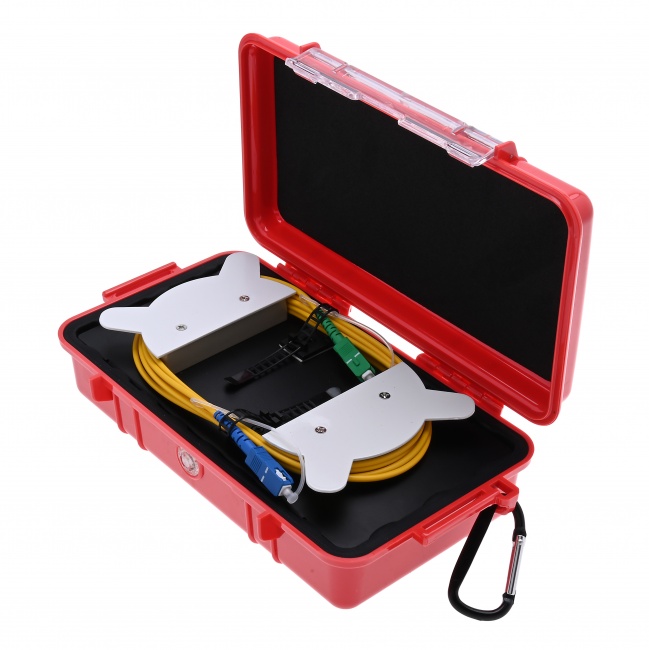
- Find the launch fiber event -- the first reflective event after the OTDR. Confirm it is at the expected distance (your launch fiber length).
- Count the events -- compare against the network records. Mismatch means an unexpected splice, missing splice, or ghost reflection.
- Verify total length -- the end-of-fiber event should be at the engineered distance. Mismatch means the fiber is shorter or longer than the records, or a hidden break is acting as the apparent end.
- Check the slope -- linear and at the expected dB/km? If steeper, fiber stress or damage.
- Walk each event -- loss within budget? Reflectance acceptable? Mark any out-of-spec events for follow-up.
- Compare wavelengths -- events that appear or change between 1310nm and 1550nm point to bend issues.
Comparing 1310nm and 1550nm Traces Side by Side
Multi-wavelength comparison is one of the most powerful diagnostic techniques on an OTDR trace. The same fiber tested at 1310nm and 1550nm reveals different problems because the two wavelengths interact with the fiber differently.
Slope Comparison
The 1550nm trace should have a shallower slope than the 1310nm trace -- approximately 0.22 dB/km vs 0.35 dB/km. If both slopes are roughly equal, or if 1550nm is steeper than 1310nm, the fiber has bend stress, hydrogen contamination, or some other wavelength-dependent attenuation problem distributed across its length.
Event Comparison
Walk through each event on both traces. Connector losses should be similar at both wavelengths. Fusion splice losses can differ by 0.01-0.03 dB between wavelengths but should not be dramatically different. If a splice shows 0.05 dB at 1310nm but 0.5 dB at 1550nm, that is a bend artifact at the splice closure, not a splice problem.
Hidden Macrobends
Macrobends often appear only at 1550nm. The 1310nm trace looks clean; the 1550nm trace has an obvious step-down event at the same distance. The location is usually a slack storage coil, splice tray, or cable transition. Fix the routing to relieve the bend.
Comparing Trace Loss Against the Engineered Budget
The most important interpretation step is comparing total link loss against the engineered budget for the link. If the budget calls for 8.5 dB and the trace shows 12 dB, somewhere along the route there is excess loss that has to be found and fixed. The trace tells you where.
Calculating Expected Loss
Sum the expected losses: fiber attenuation (length in km times dB/km), connector losses (typically 0.3 dB per mated pair, count the connectors), splice losses (typically 0.05 dB per fusion splice), splitter loss (3.5 dB for 1:2, 7 dB for 1:4, 17 dB for 1:32). Add a 1-2 dB margin for aging and connector degradation over the network's service life.
Identifying Excess Loss
Walk through the trace and add up the actual losses. Compare each event against expected. The over-budget event is your culprit. Typical findings: contaminated connector adding 1.5 dB, marginal fusion splice at 0.3 dB, hidden macrobend at 2 dB. Fix the worst offender first.
Tools That Make Trace Interpretation Easier
An OTDR with a clean display and decent event-detection algorithms is the foundation. The Fiber Ranger OTDR is the standard FTTH tester. Pair with a fiber inspection scope so you can immediately verify any suspect connector found by the trace, and a visual fault locator to verify break locations and trace short fibers visually.
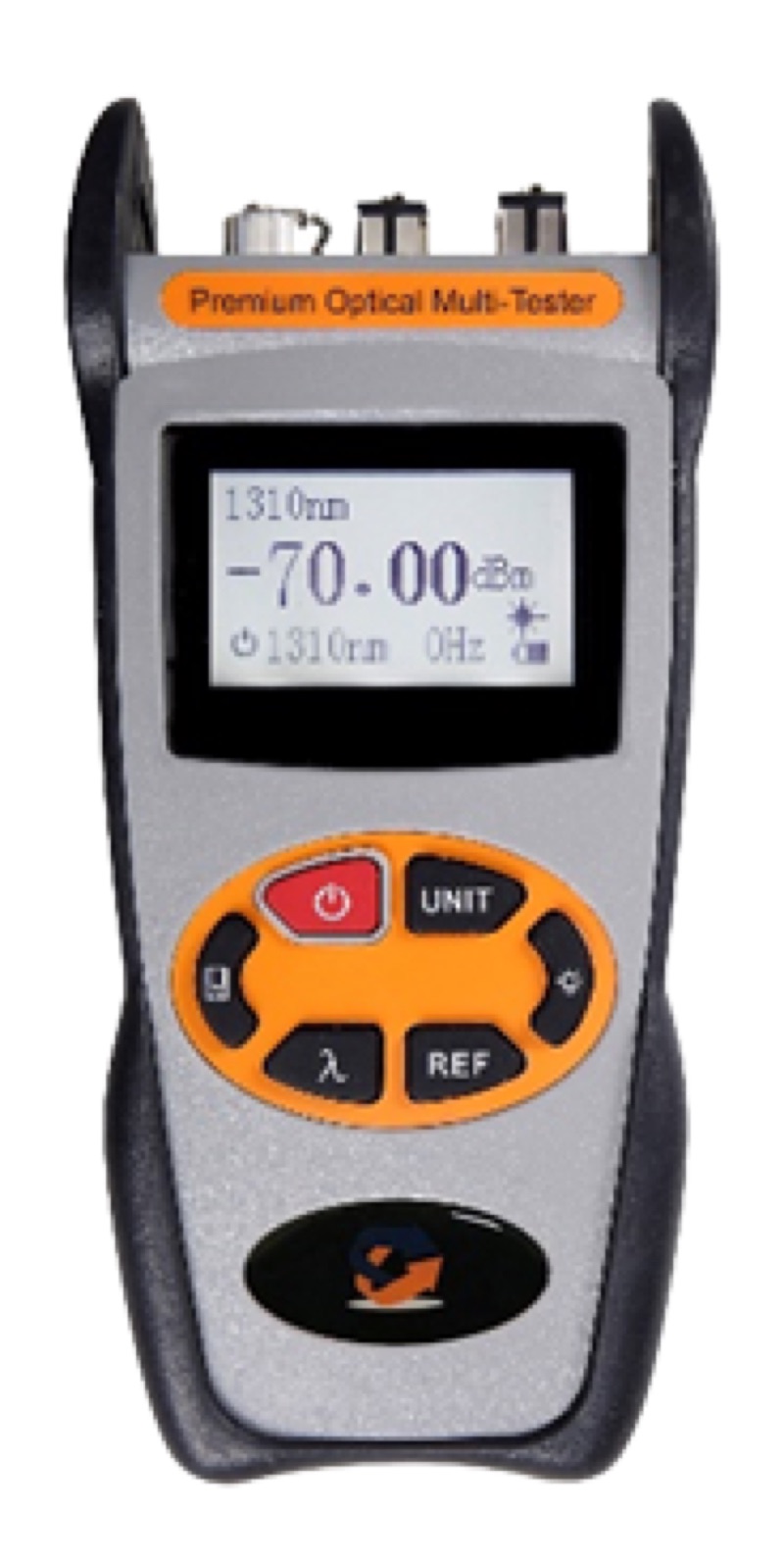
For acceptance testing, also pair with a calibrated optical power meter -- the OTDR characterizes events but the power meter delivers the absolute end-to-end loss number for link certification. We cover the difference in OTDR vs power meter.
Judging Trace Quality at a Glance
Before you spend time interpreting events, decide whether the trace itself is worth interpreting. A noisy or saturated trace will mislead you no matter how careful the analysis.
Noise Floor
The right end of the trace, past the end of the fiber, should be a flat noise band. If the noise band is jagged or shows large variation, increase averaging time and rerun. A trace with a clean noise floor is one you can trust to find low-loss events near the end of the link.
Slope Linearity
Between events, the trace should be a straight line with a slope that matches the fiber's nominal attenuation (around 0.35 dB/km at 1310, 0.22 dB/km at 1550). Curved or stepped slopes between events suggest macrobends, contaminated fiber, or instrument issues. Investigate before trusting event measurements on a non-linear trace.
Spike Symmetry
Reflective events should show a sharp rise, a clean peak, and a clean fall back to the backscatter level. Asymmetric peaks, plateaus, or saturated tops suggest the OTDR detector is overloading. Reduce pulse width and rerun.
Less Common Trace Features
Beyond the standard splice, connector, and break events, traces sometimes contain features that confuse new technicians. Most have straightforward explanations once you have seen them a few times.
Ghost Reflections
A ghost reflection is a phantom event that appears at twice the distance of a strong real event. The OTDR pulse reflects off the strong event, travels back toward the OTDR, reflects off another reflective interface, travels forward again, and arrives back at the detector at the time corresponding to twice the original event distance. Ghosts have zero loss (because they are not real events) and reflectance values that match the parent event.
Identify a ghost by the zero loss and the 2x distance pattern. Verify by physically inspecting the reported location -- nothing will be there.
Fresnel Reflection Saturation
If a connector reflects strongly enough to saturate the OTDR detector, the trace shows a flat-topped spike instead of a sharp peak. The loss measurement may be unreliable because the detector cannot distinguish the true peak from the saturated region. Reduce pulse width to lower the optical power at the detector and the trace will recover its dynamic range.
Multimode Modal Distribution Effects
On multimode fiber, the distribution of light across fiber modes affects how much backscatter the OTDR sees. Splices and connectors can change the modal distribution, producing apparent loss values that vary with launch conditions. This is why multimode OTDR testing typically requires encircled flux conditioning at the launch.
Keep Reading
Go deeper on the techniques referenced throughout this guide:
- OTDR testing basics — how the instrument builds the trace you're reading.
- OTDR event loss vs. section loss — what the two loss numbers on each event actually mean.
- OTDR dead zones explained — why some real events hide and how to reveal them.
- Bidirectional OTDR testing — the fix for gainers and the standard for acceptance docs.
- OTDR vs. power meter — when the trace is enough and when you need an absolute loss number.
Stuck on a trace you can't read?
Send us the event you can't classify — gainer, ghost, mystery step-down — or tell us the link type you're certifying, and a fiber specialist will help you interpret it and recommend the right OTDR or inspection tool, no upsell.
OTDR Test Equipment
OTDRs, inspection scopes, visual fault locators, and power meters for fiber link characterization and trace interpretation.