AEM FiBLU Singlemode Fiber Certifier, Single Handset
FIBLU-SM
Two handsets are needed for dual-ended certification.
Test reference cords and carry case are not included.
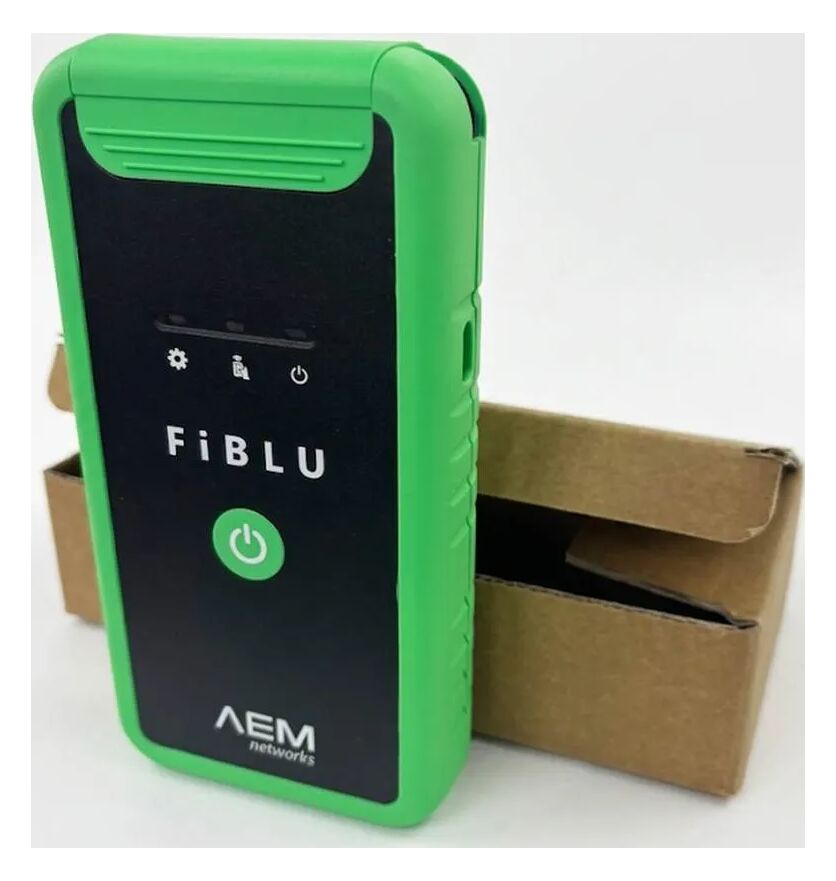
One FiBLU singlemode handset. Two are needed for dual-ended certification, and reference cords are sold separately.
- Secure checkout with encrypted payments via Stripe
- Free shipping on orders of $100 or more
- Sourced and shipped per order
How returns work on AEM Networks items
You can return an AEM Networks item only if AEM agrees to take it back. If it arrives defective, damaged or not as described, we'll arrange the return with AEM at no cost to you. Please email us before you send anything back.
Key specs
- Tier 1 (OLTS) certification to TIA-568 and ISO/IEC 14763-3
- Singlemode: laser source at 1310 and 1550 nm; length up to 20 km
- Insertion loss accuracy: 0.2 dB or better
- Interchangeable port interfaces: SC (transmit) and SC and LC (receive) included; ST sold separately (FI-ST-TX, FI-ST-RX)
- Built-in 650 nm visual fault locator
- Handset: 177 x 92 x 42 mm (7.0 x 3.6 x 1.7 in), 350 g (12.3 oz)
- Bluetooth to the UniBLU app (iOS 15.5+, Android 11+); PDF and CSV reports
About the AEM FiBLU Singlemode Fiber Certifier, Single Handset
This is one FiBLU singlemode handset, for adding to a kit, replacing a unit, or building a pair yourself. Dual-ended certification needs two handsets, one at each end of the link, and each runs from its own phone or tablet with AEM's UniBLU app over Bluetooth.
The handset tests loss and length at 1310 and 1550 nm to Tier 1 limits, and on its own it can run a loopback test and work as a light source or power meter. It comes with an SC transmit interface and SC and LC receive interfaces.
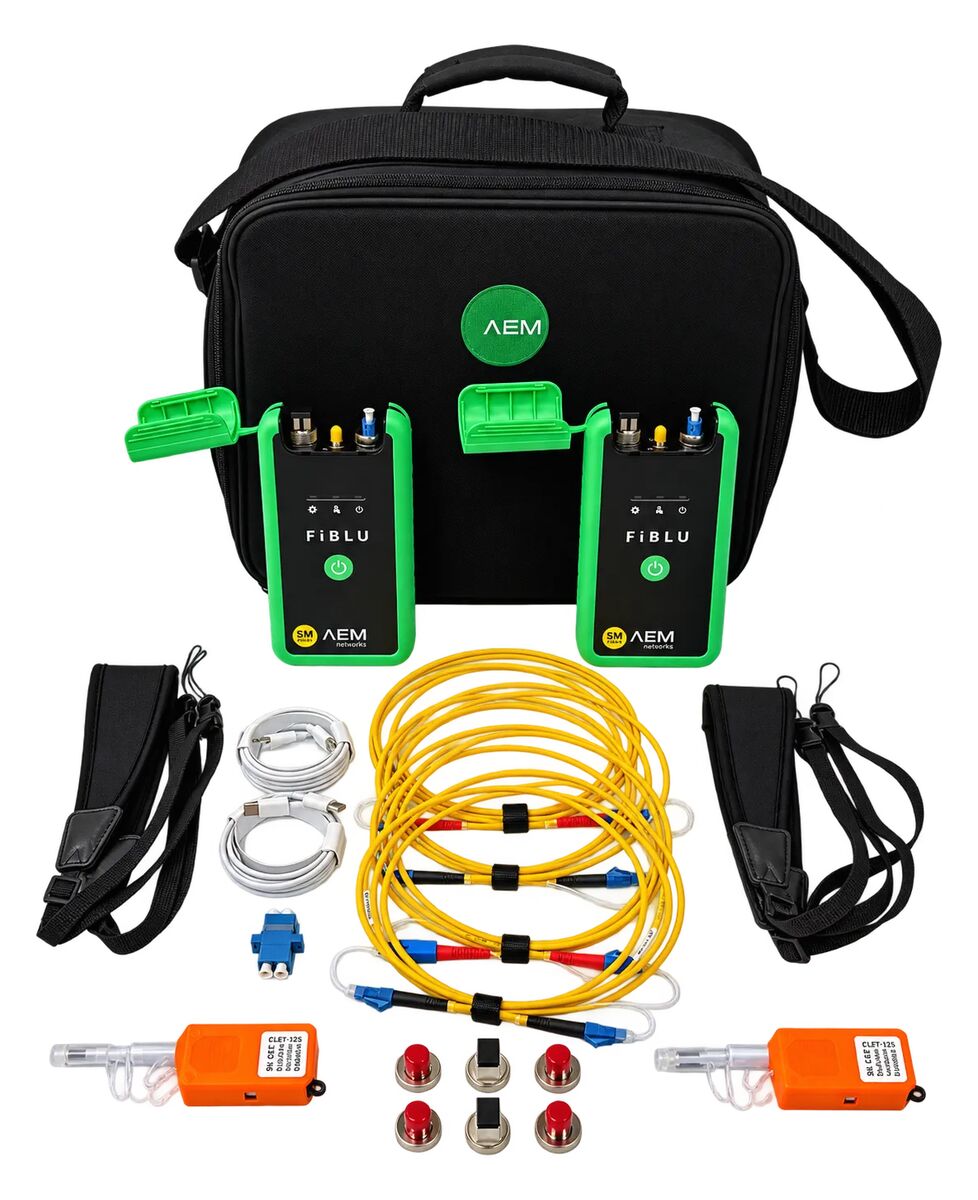
Test reference cords and a carry case are not included. For a ready-to-test pair with cords, cleaners and a case, see the FiBLU singlemode kit (FIBLU-SM-K01). AEM keeps a current list of the cable manufacturers that accept FiBLU for their warranty programs. Check the list for your cabling brand before you buy.
What's in the box
- 1 FiBLU singlemode handset with built-in USB-C rechargeable battery
- 1 USB-C cable (AC charger not included)
- SC transmit interface and SC and LC receive interfaces
Questions buyers ask
Can one FiBLU singlemode handset certify a link?
Yes, from one end, with a loopback at the far end of the link. AEM's UniBLU user manual (section 6.5) describes the loopback Autotest as a certification test against the job limit you select. It is a Tier 1 loss test, not a continuity check. You get pass or fail with margin at 1310 and 1550 nm. A dual-ended test needs two handsets, one at each end.
Does the FiBLU singlemode handset need a phone?
Yes. You run each FiBLU handset from AEM's UniBLU app over Bluetooth. You need one phone or tablet per handset, so a pair needs two. The app runs on iOS 15.5 or later and Android 11 or later. Testing works offline; you only need internet for cloud sync and firmware updates.
What comes with a single FiBLU singlemode handset?
You get one FiBLU singlemode handset with a built-in USB-C rechargeable battery and one USB-C cable. An AC charger is not included. You get an SC transmit interface and SC and LC receive interfaces. Reference cords and a carry case are not included; the kit (FIBLU-SM-K01) has them.
Will a cable manufacturer accept a FiBLU test report for a warranty?
AEM keeps a current list of the cable manufacturers that accept FiBLU for their warranty programs. It also lists manufacturers whose fiber testing requirements FiBLU meets. AEM updates the list, so check it for your cabling brand before you buy. AEM's FiBLU warranty approvals flyer is in the documents on this page. The UniBLU app exports PDF or CSV reports with your company logo.
Documents
5 files from AEM Networks: data sheets, guides and manuals. PDF, opens in a new tab.
Videos
13 videos from AEM Networks. Nothing plays until you press play.